
The best way to use Business Central on our local computer, is to use Docker Container.
We will use docker image. We can create it using following script. Important is to run the script as Administrator. Otherwise we will get error like below.
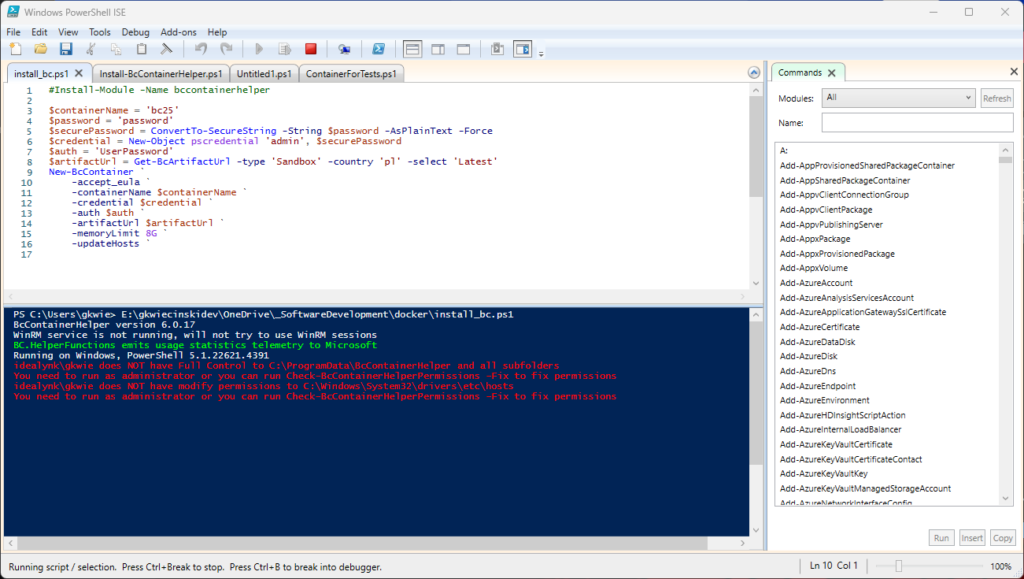
#Install-Module -Name bccontainerhelper -Force

$containerName = 'bc25'
$password = 'password'
$securePassword = ConvertTo-SecureString -String $password -AsPlainText -Force
$credential = New-Object pscredential 'admin', $securePassword
$auth = 'UserPassword'
$artifactUrl = Get-BcArtifactUrl -type 'Sandbox' -country 'pl' -select 'Latest'
New-BcContainer `
    -accept_eula `
    -containerName $containerName `
    -credential $credential `
    -auth $auth `
    -artifactUrl $artifactUrl `
    -memoryLimit 8G `
    -updateHosts
So user name is admin, and password is password. Not secure for sure, but for educational purposes in local container is fair enough.
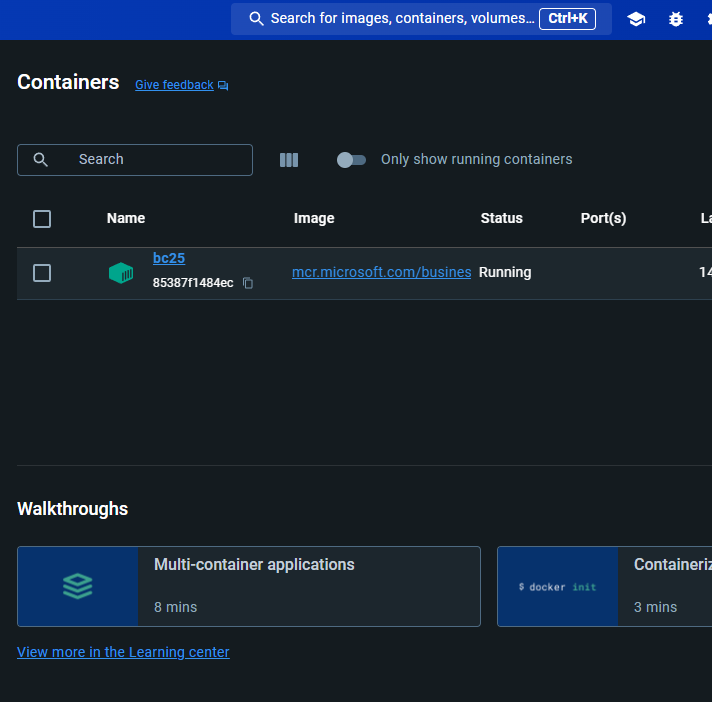
As a result we should see new container on the list in Docker Desktop app.

When we click on name of the container, in this case bc2, we will see additional details.